
- Click on Exit Interview History.
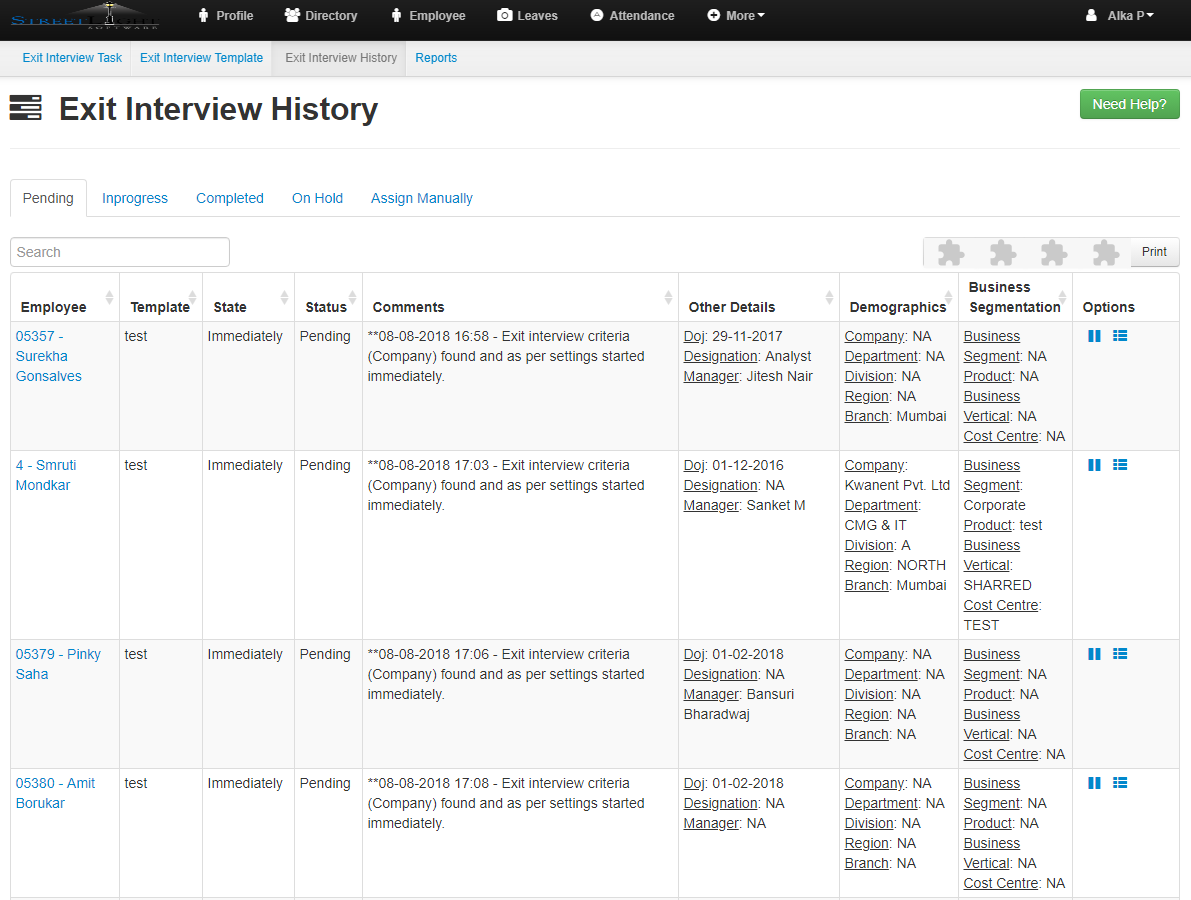
- The first tab opened will be the pending.
- here you will get the all pending list details
- That include Employee,Template,State,Status,Comments,Other Details,Demographics,Business segmentation and options.
- Just like pending details you can also get the In-progress,Completed and On Hold details
- Now click on Assign Manually.
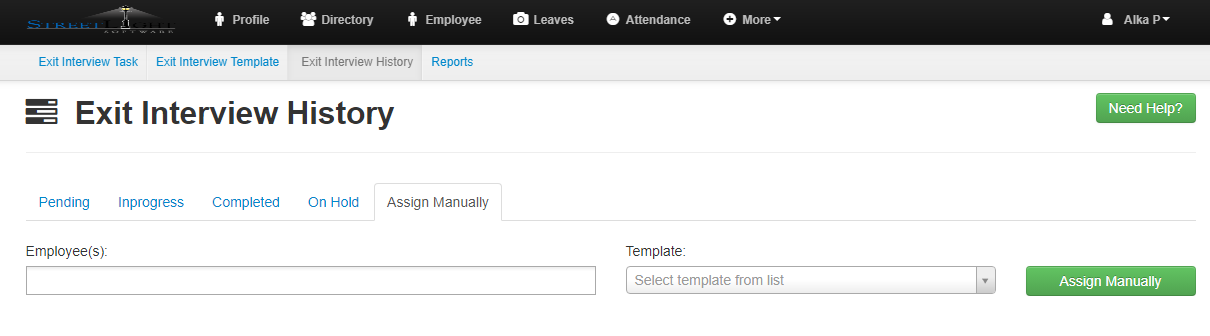
- Fill the details and click on assign manually
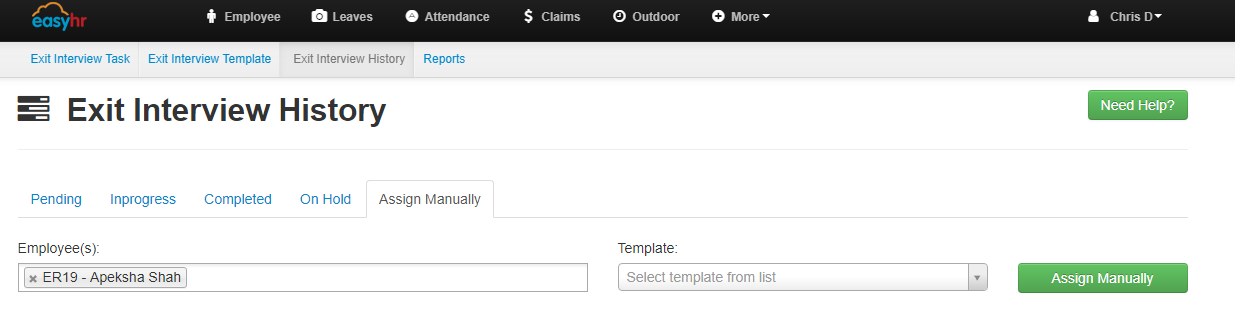
- Click on OK.