EasyHR Knowledge base EasyHR Knowledge base

  • Home
  • Knowledge Base
  • FAQ
  • Contact
Home / Employee / Employee – Approval

Employee – Approval

2675 views Less than a minute 0
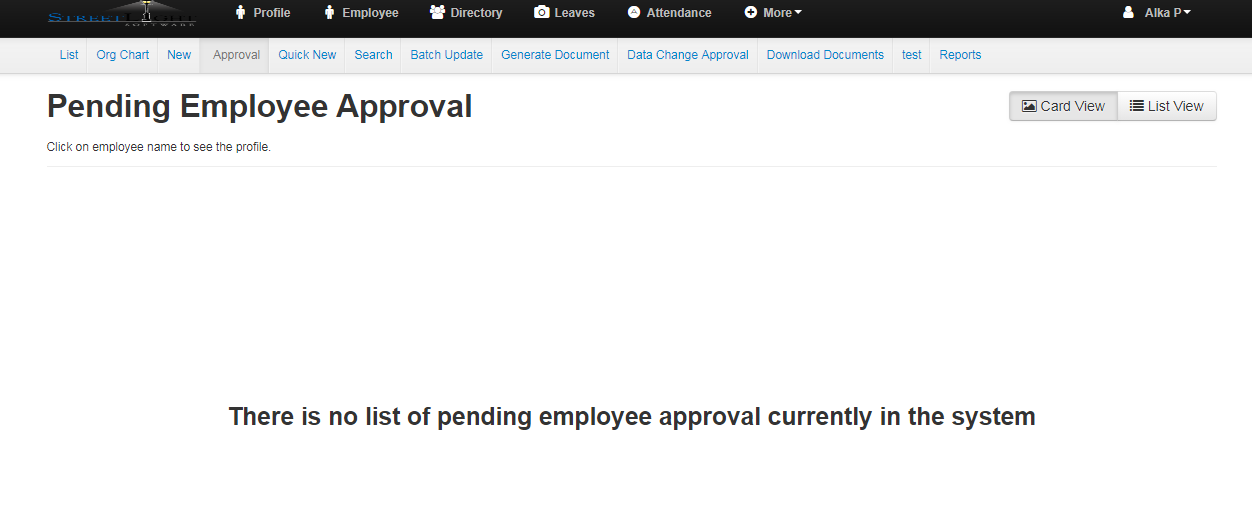
  • After creation of new employee account next step is APPROVAL.
  • Approve tab is used to approve or reject the newly created employees.
  • After approving new employee, new employee automatically listed in employee list.

EmployeeEmployee Approval Employee

Related Articles

  • Settings /Employee /Configuration
  • Settings /Employee /Confirmation Notification
  • Settings /Employee /Confirmation Approval
  • Settings /Employee /Confirmation Approval- Feedback

Categories

  • 10Asset
  • 10Attendance
  • 4Dashboard
  • 27Employee
  • 3Helpdesk
  • 2Import
  • 1Incident
  • 4Induction
  • 4Interview
  • 11Leaves
  • 10Loan
  • 2Login
  • 1Miscellaneous
  • 7On Boarding
  • 9Organization
  • 1Outdoor
  • 1Overtime
  • 5Payroll
  • 6Performance
  • 1Quick Links
  • 5Recruitment
  • 1Report Designer
  • 4Resignation
  • 1Rewards
  • 4Separation
  • 5Survey
  • 2Tasks
  • 5Timesheet
  • 10Training
  • 3Work from Home

Most Viewed

  • Login into Easy HR 82021
  • Login – Change Password 8948
  • Employee – Profile 5274
  • Work from Home – Report 3849
  • Exit Interview – Exit Interview Template 3446

Most Liked

  • Login into Easy HR 89
  • Incident 17
  • Leaves – Apply 16
  • Login – Change Password 13
  • Import – Bulk Upload in Easy HR 8

Social

Article Categories

Asset Attendance Dashboard Employee Helpdesk Import Incident Induction Interview Leaves Loan Login Miscellaneous On Boarding Organization Outdoor Overtime Payroll Performance Quick Links Recruitment Report Designer Resignation Rewards Separation Survey Tasks Timesheet Training Work from Home
Flatbase by NiceThemes © 2026. — Powered by WordPress.